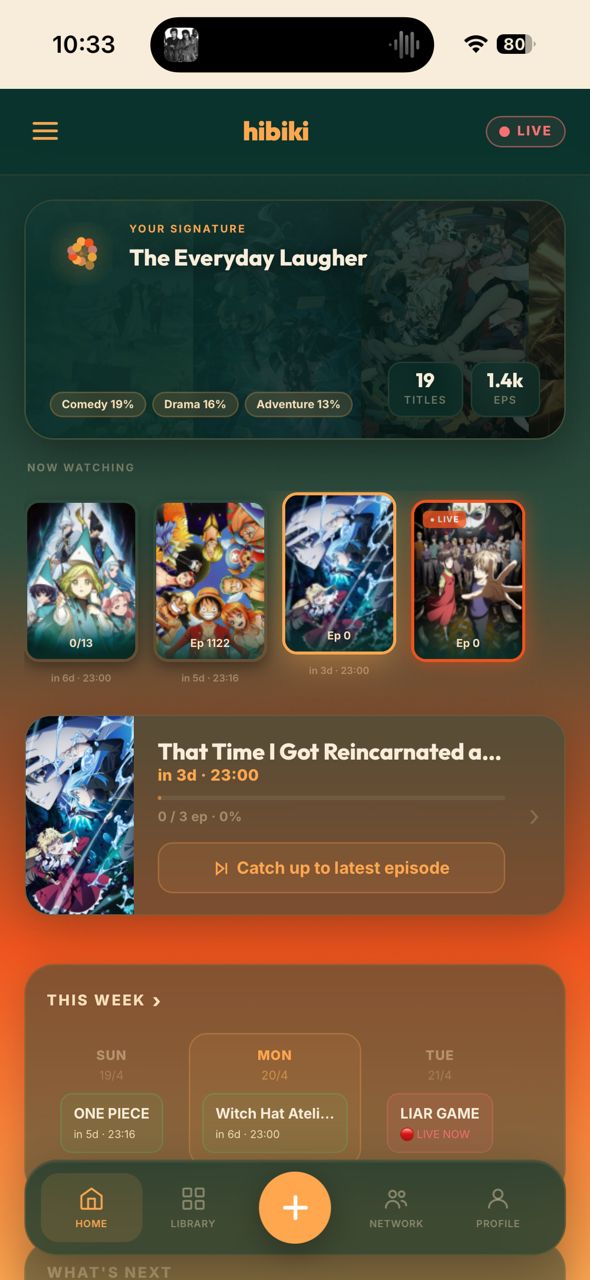
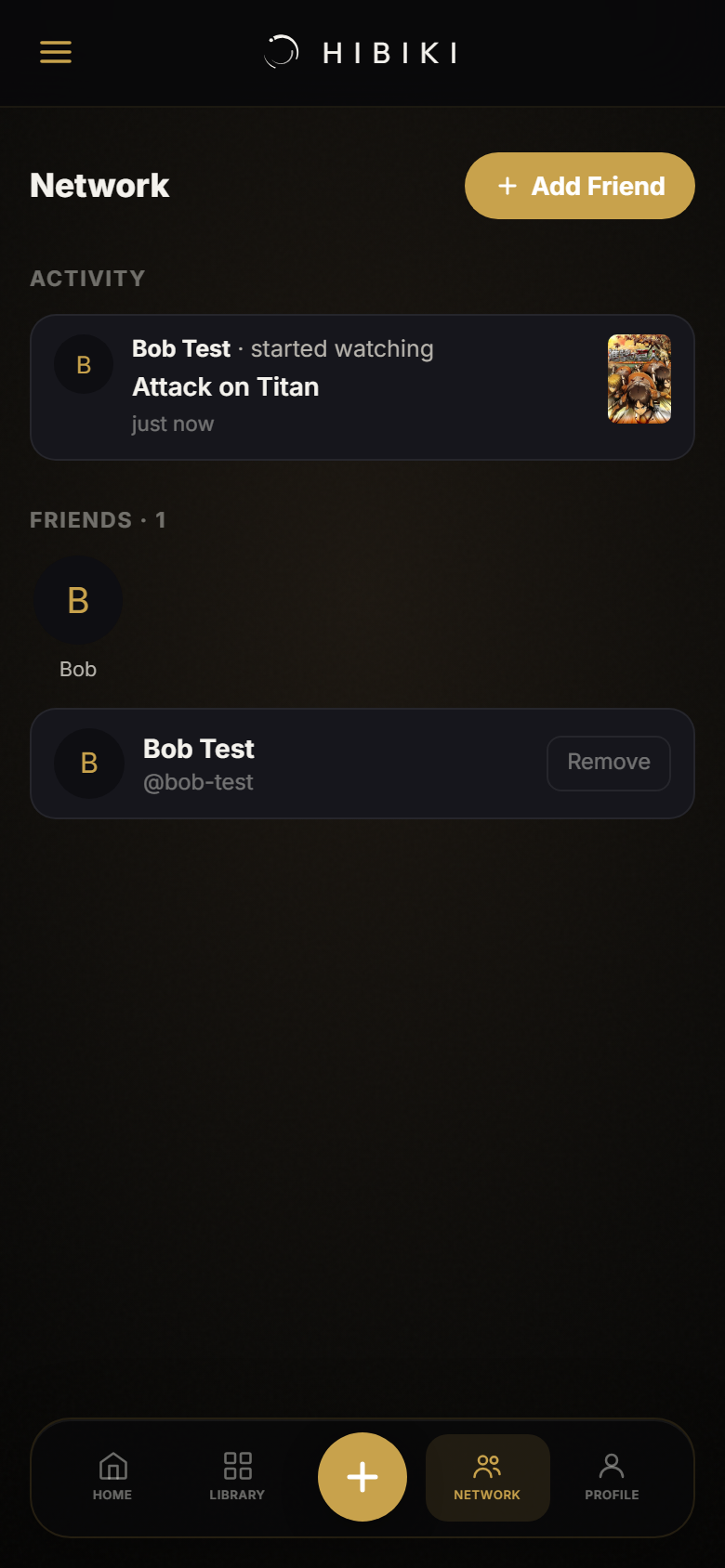
Hibiki is a personal anime tracker built with quiet attention to detail — the kind of app that feels like it was made specifically for you.
Open the app →Hibiki is a list for your anime — but one that pays attention. You add shows you're watching, mark episodes as you go, and rate them when you're done. That's the core of it. Simple enough to start in thirty seconds.
The part that makes it different is what happens over time. The more you log, the better Hibiki understands your taste — what genres you gravitate toward, which eras of anime shaped you, how you like to watch. It builds a profile that's genuinely yours, not just a mirror of what's trending.
Everything stays on your device. No account required. Sign in when you're ready to sync across devices.
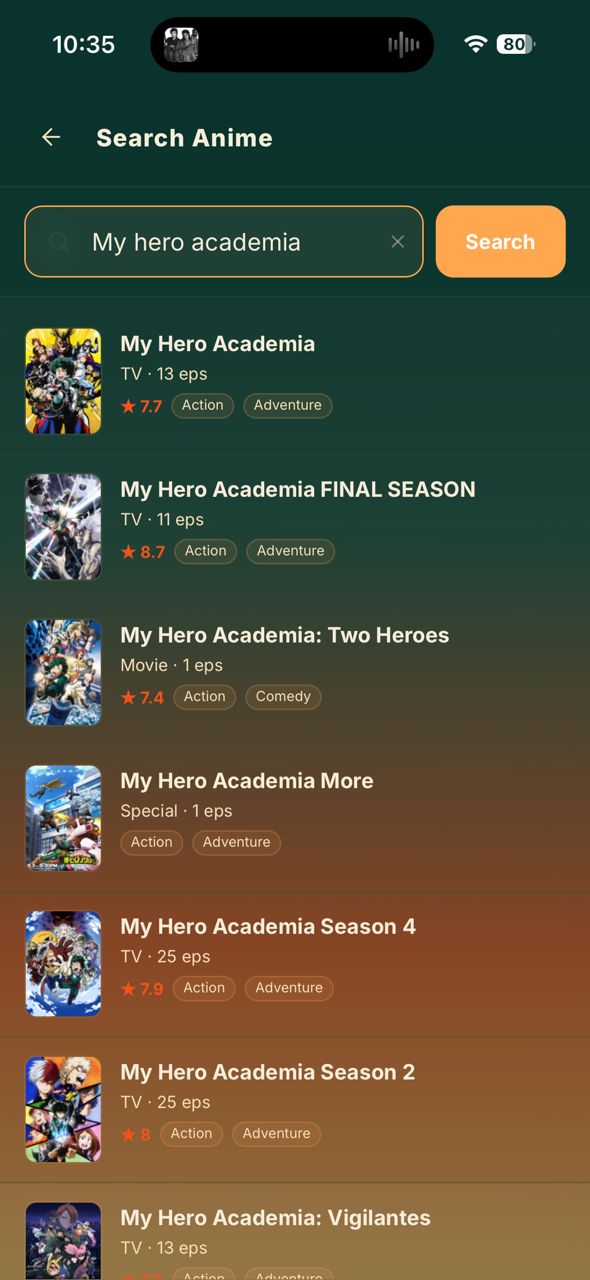
Four steps. Takes about two minutes the first time.


Things you'll notice
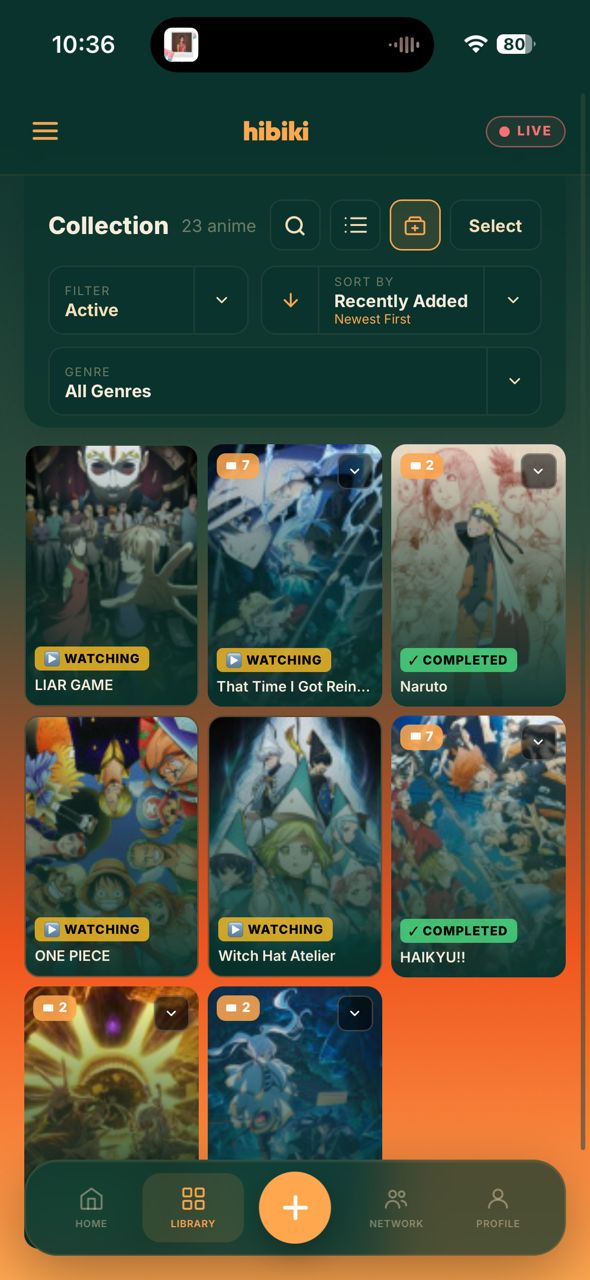
Most trackers show you a schedule. Hibiki's header badge only lights up during the exact hour your show is broadcasting in Japan. If it's glowing, something you're watching is airing right now. If it's dark, it's dark.
Tap it and you go straight to that show. No hunting.

Every show you log — what you rated it, whether you finished it, how long you watched — feeds into a taste signature that builds quietly in the background.
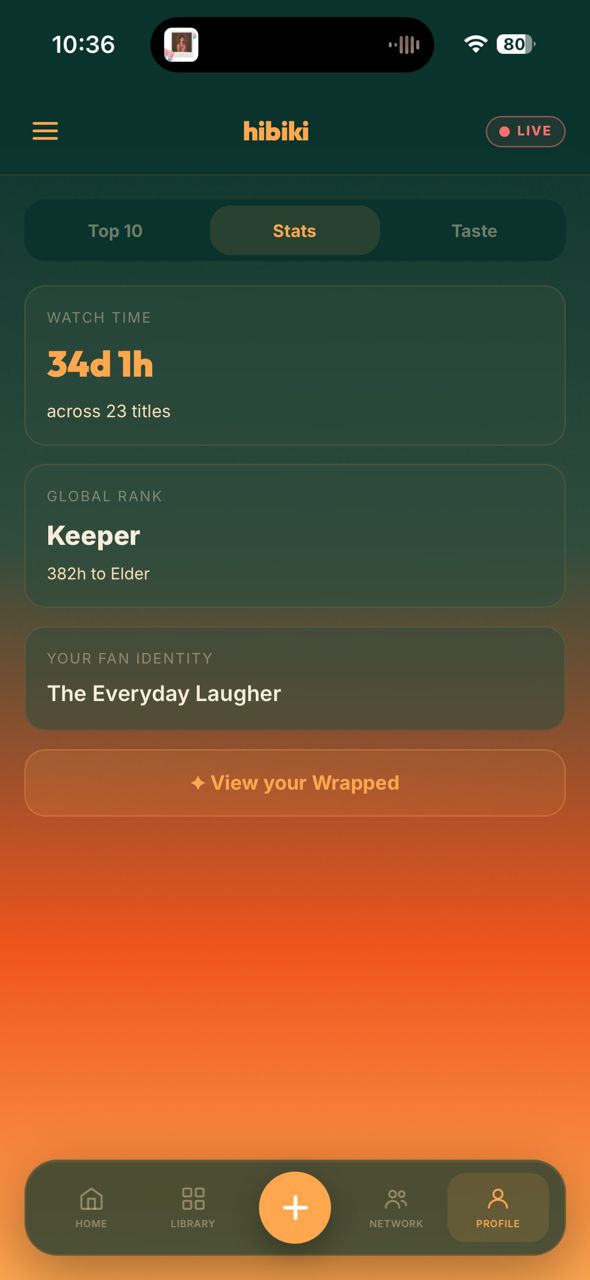
Over time Hibiki gives you a fan identity line. Not a genre tag. Something that actually sounds like you.

Mark a show as completed and — if there's a sequel — a quiet toast slides up from the bottom. No pop-up, no interruption. Just a nudge: the next part exists, here it is, want to add it?
It knows the difference between a true sequel and a side story. It won't nag you about a recap film when you just want to feel the ending.

It's a small thing. But the tip of every progress bar has a warm glow that pulses — a gradient bloom that shifts between deep forest green, ember orange, and bright amber. It doesn't just sit there.
When you're fully caught up on an airing show, the whole bar lights up and pulses slowly, like it's alive.
↑ Live preview of the bloom effect

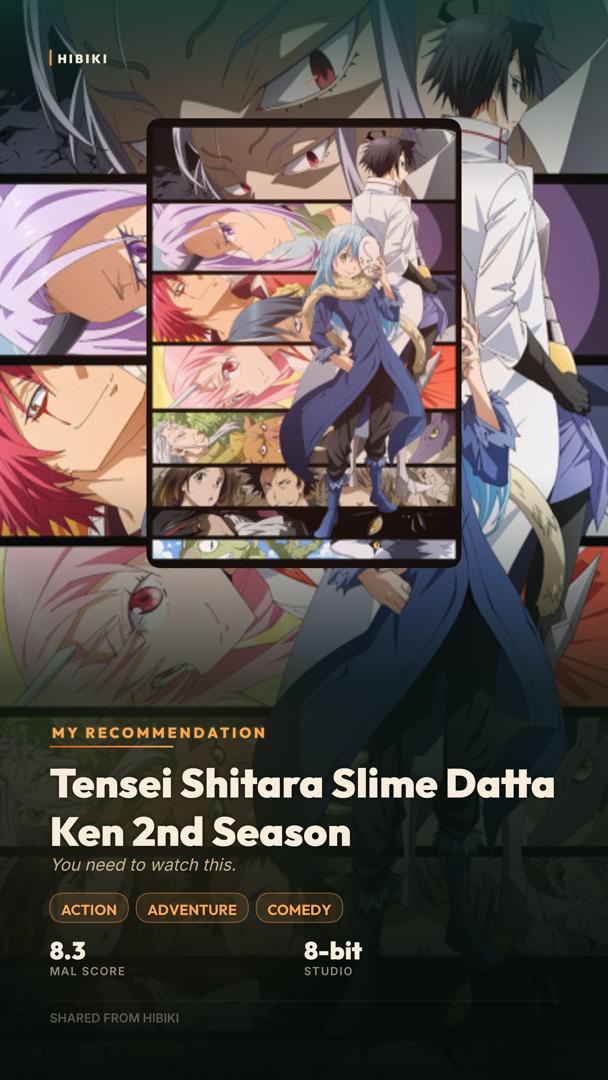
When you finish a show, or rate something highly, or add something to your all-time Top 10, Hibiki offers to generate a share card. Not a screenshot. A proper card — poster art, your rating, your stats, ready for your feed.
Different moments get different cards. A completion looks different to a recommendation. A Top 10 pick gets a badge.

Sign in with Google and everything — your list, your ratings, your profile — syncs to the cloud automatically. No manual export, no backup step. Open Hibiki on a different device and it's already there.
Don't want an account? That's fine too. Hibiki works completely offline, everything stored locally. Sign-in is always available from the settings drawer when you're ready.

Add a fifth show to your watching list and Hibiki quietly asks if you've actually finished any of the others. Not a lecture — just a gentle check-in with quick options to mark things done or drop them.
Your taste profile works better when your list is honest. This helps keep it that way.

The week widget on the home screen shows every day of the week with your currently-watching shows slotted in on the day they air. Today is always highlighted. Tap any show to jump straight to it.
There's also a full monthly calendar if you want to see the bigger picture — or check whether that finale lands on a weekend.

Toggle franchise mode in your library and every season, movie, and OVA in a franchise stacks into a single card — with a count badge showing how deep it goes. Tap to expand and see the whole chain.
It figures out the grouping automatically. You don't have to tag anything.

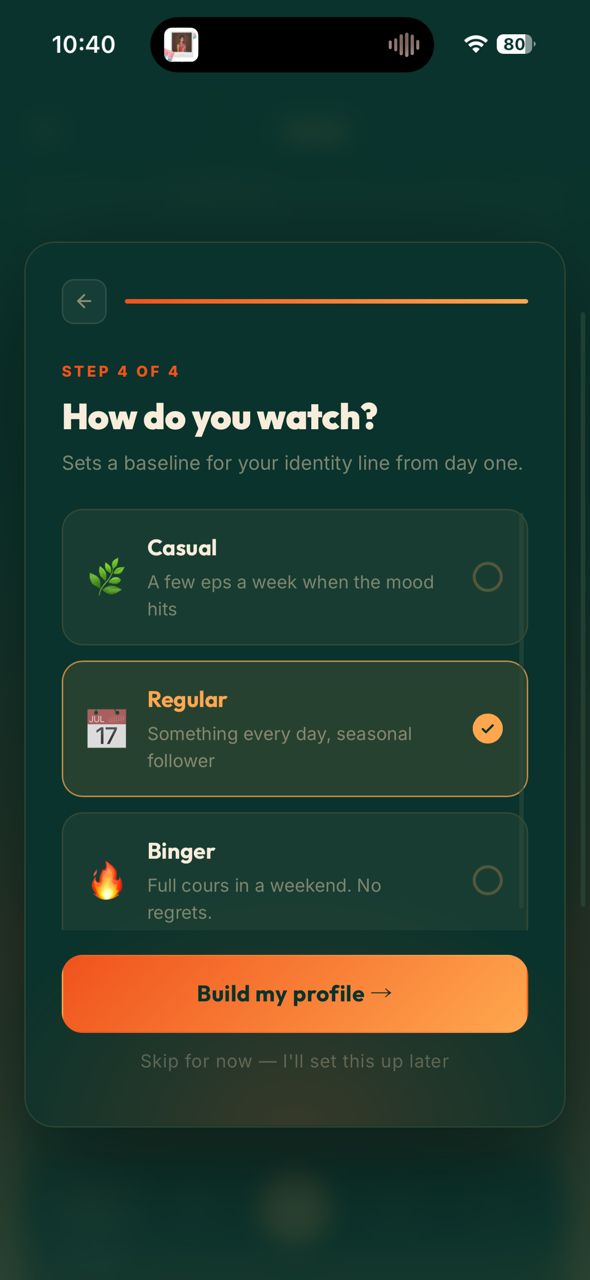
When you first open Hibiki, there's a short onboarding — four questions about when you got into anime, which era shaped you, your favourite genres, and how fast you tend to watch.
Your answers set a starting point for your taste profile. If your tastes shift, you can redo the whole thing from the settings drawer whenever you like.

Wrapped is a five-slide story mode that lives in your profile. Your total show count, your top genre and what it says about you, your number one all-time show, how many hours you've watched, and your fan identity — all presented like something worth sharing.
Tap through or swipe. Each slide auto-advances. Hit share and it exports a text card ready for anywhere you post.

Your Top 10 is a ranked list of your all-time favourite shows — yours to curate, reorder, and obsess over. Hibiki can seed it automatically from your history, or you can build it yourself from scratch.
Adding something to your Top 10 is a moment. The app knows it too — it offers to generate a share card right then, so you can mark the occasion.

Also worth knowing
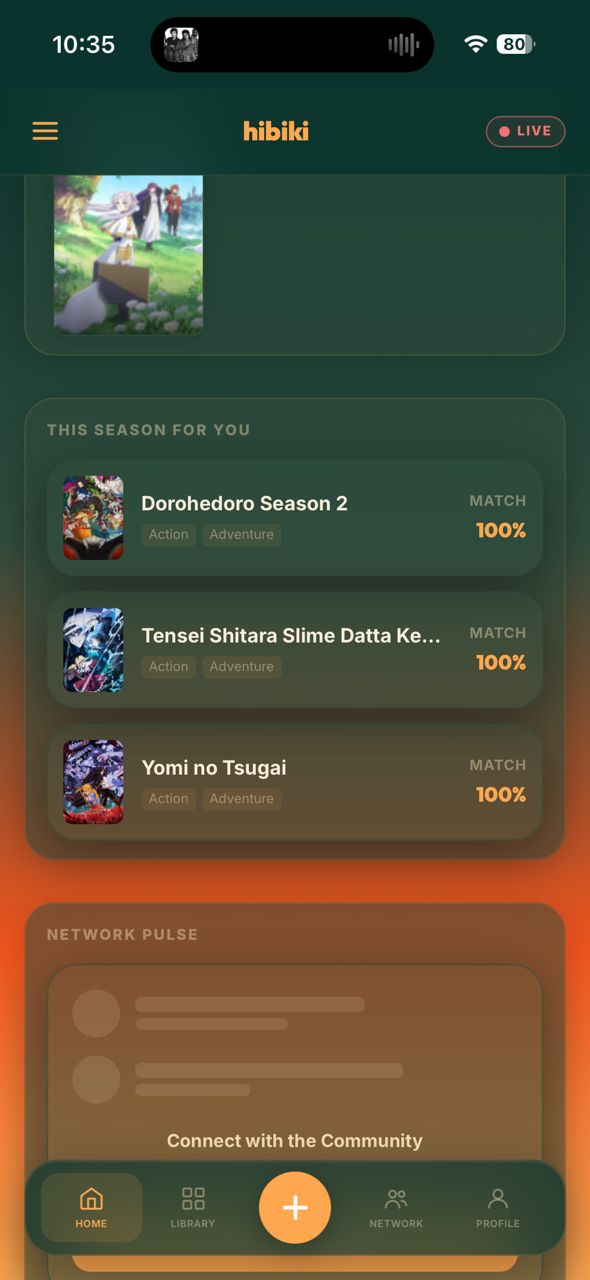
The home tab has a "This Season For You" section that pulls what's currently airing and scores each show against your taste signature. The result is a short list of seasonal picks that actually reflect what you tend to enjoy — not just what's popular.

Design
A lot of care went into how Hibiki feels to look at — not just how it works.
Hibiki is a PWA — it installs like a native app with no App Store needed. Pick your device and browser below.
Ctrl+D on Windows or Cmd+D on Mac — for quick access from your toolbar.